
Your flip.
Your budget.
Every dollar
accounted for.
Budgets by trade, split receipts, jobsite photos and flip profit or contractor margin — in one private, mobile-first ledger.
- Private & secure
- Phone-first
- English · Português · Español
Everything your renovation
spreadsheet can't do.
Budget by trade and phase
Plan by category and cost type, set phase caps, and see remaining and over-budget lines.
Split receipts
One receipt, many trades — totals counted once.
Paid vs owed
Dated payments, due dates and partial payments on every expense.
Photos & documents
Before/during/after photos and receipts stored privately per project.
Flip & job profit
Projected and realized profit, return on cost, or contract gross margin.
Reports
CSV export and printable PDF reports by project, trade, room or activity.
See how renovators track
every dollar of the job.
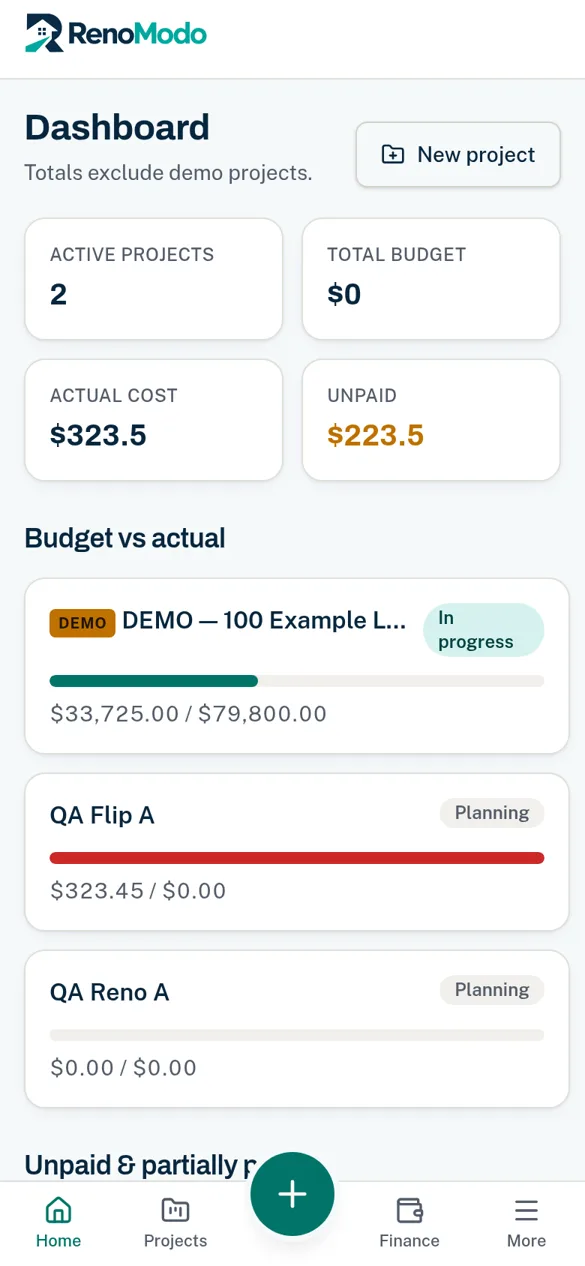
Budgets by trade, split receipts, upcoming bills, photos and profit — RenoModo’s main screens, shown with sample data.
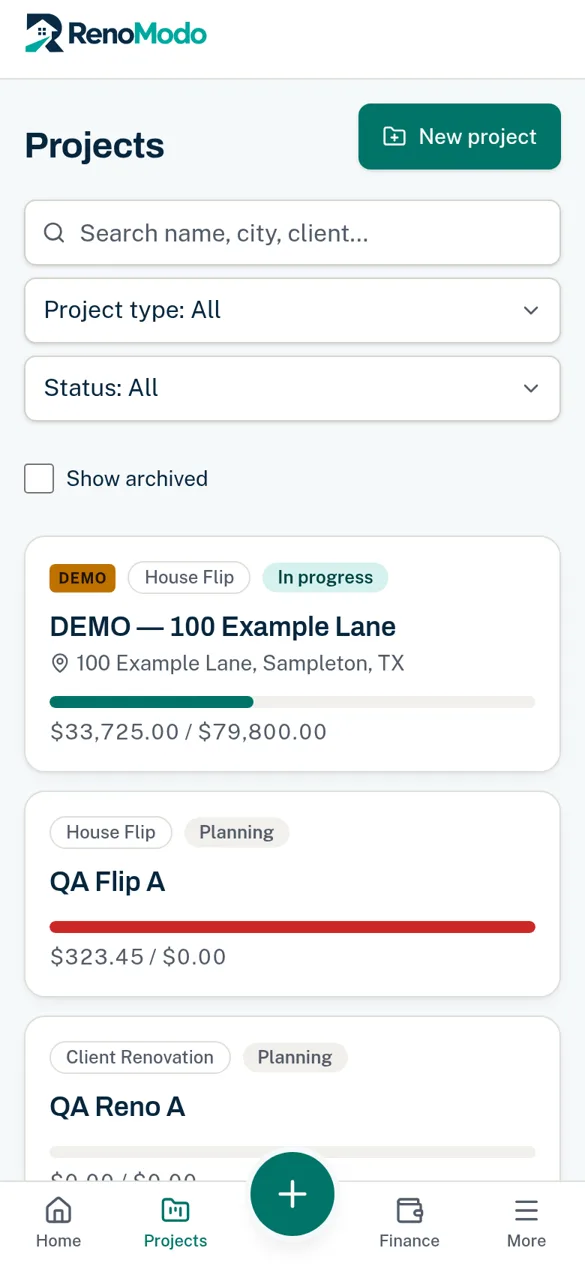
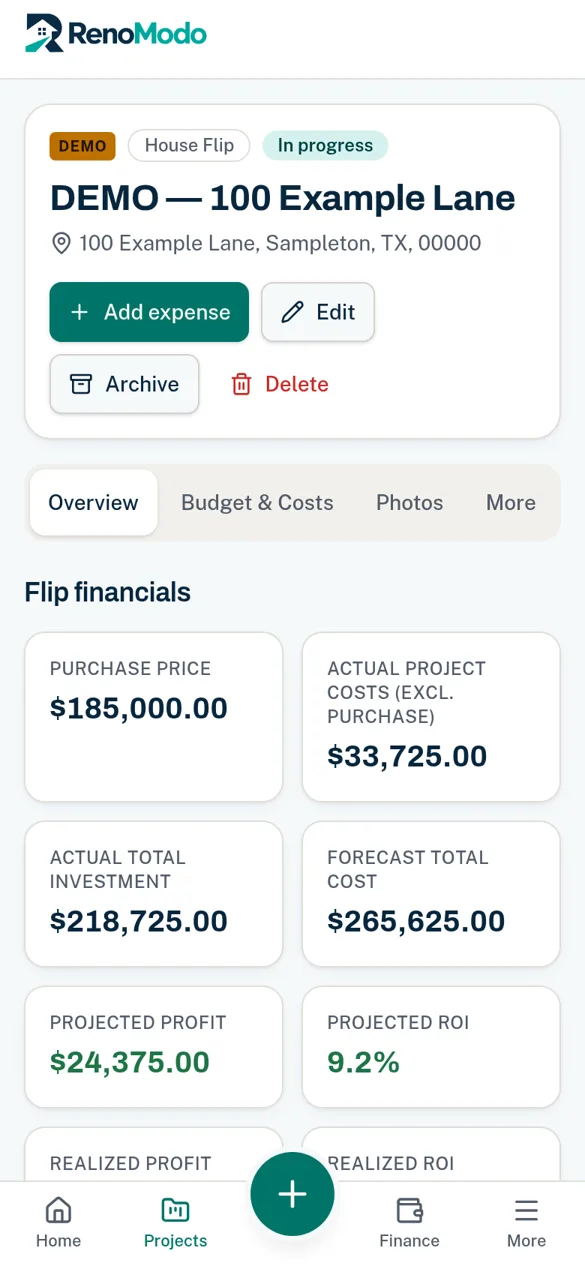
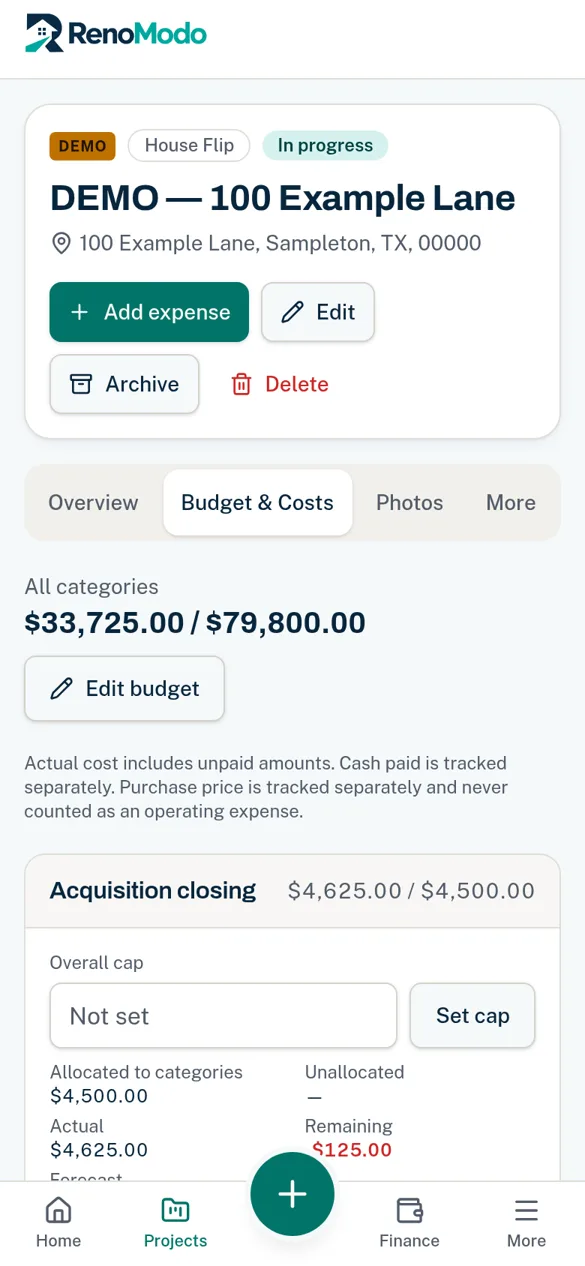
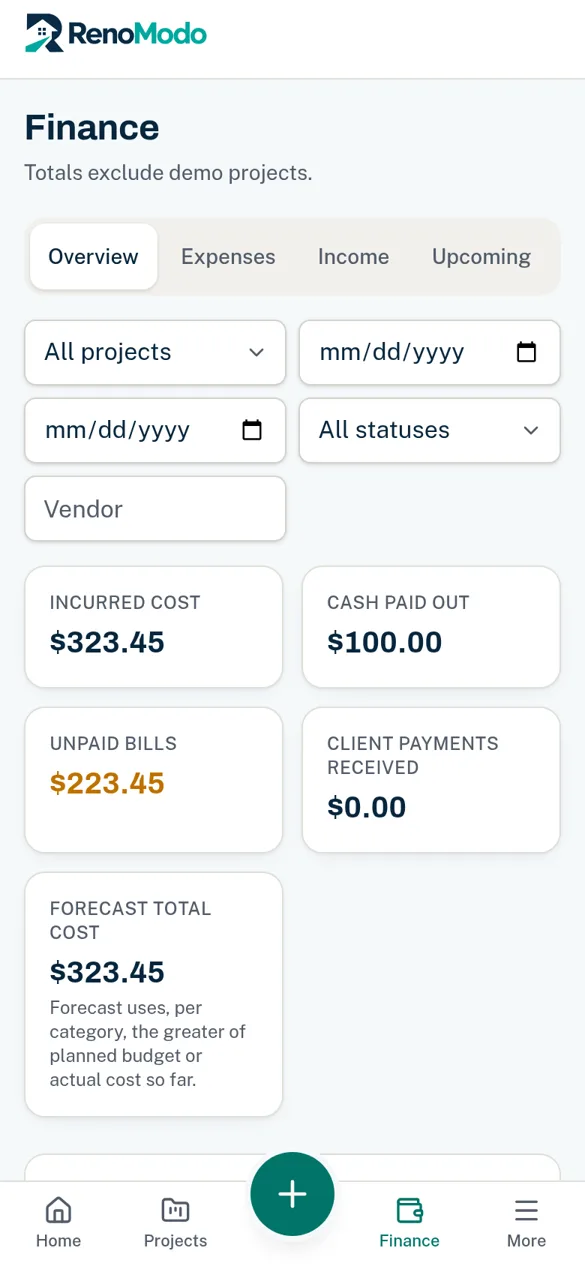
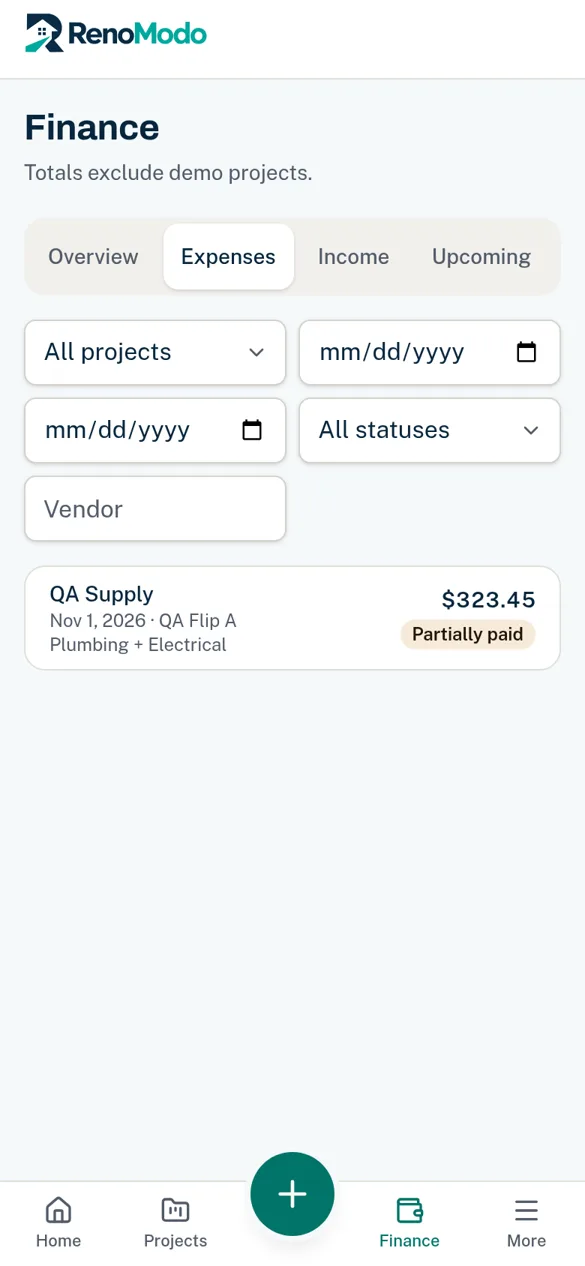
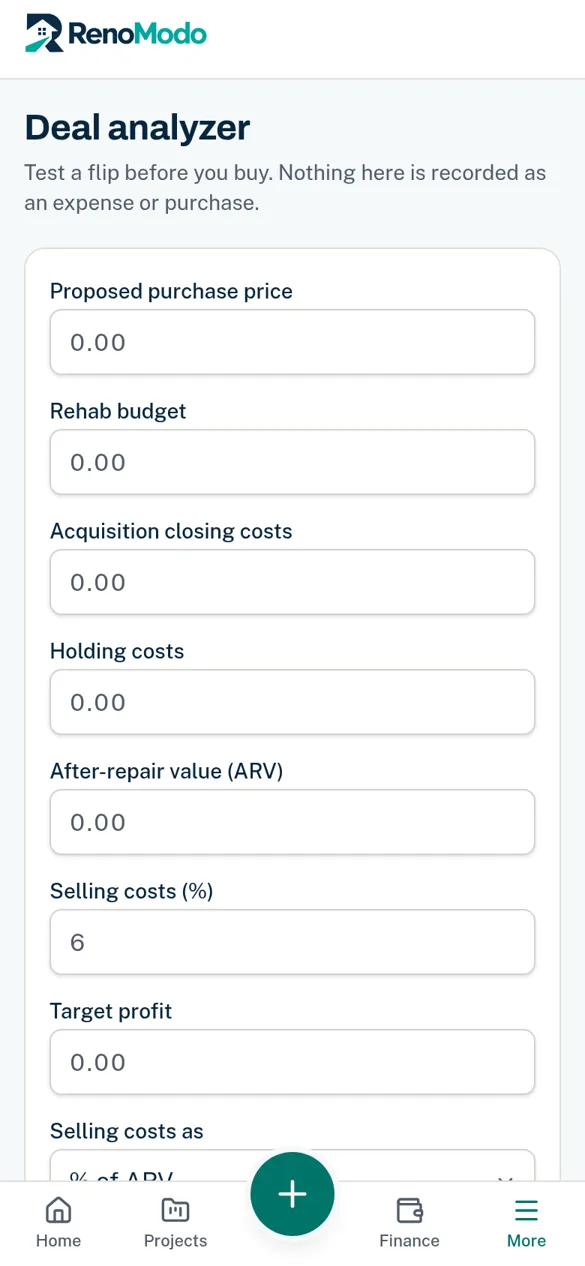
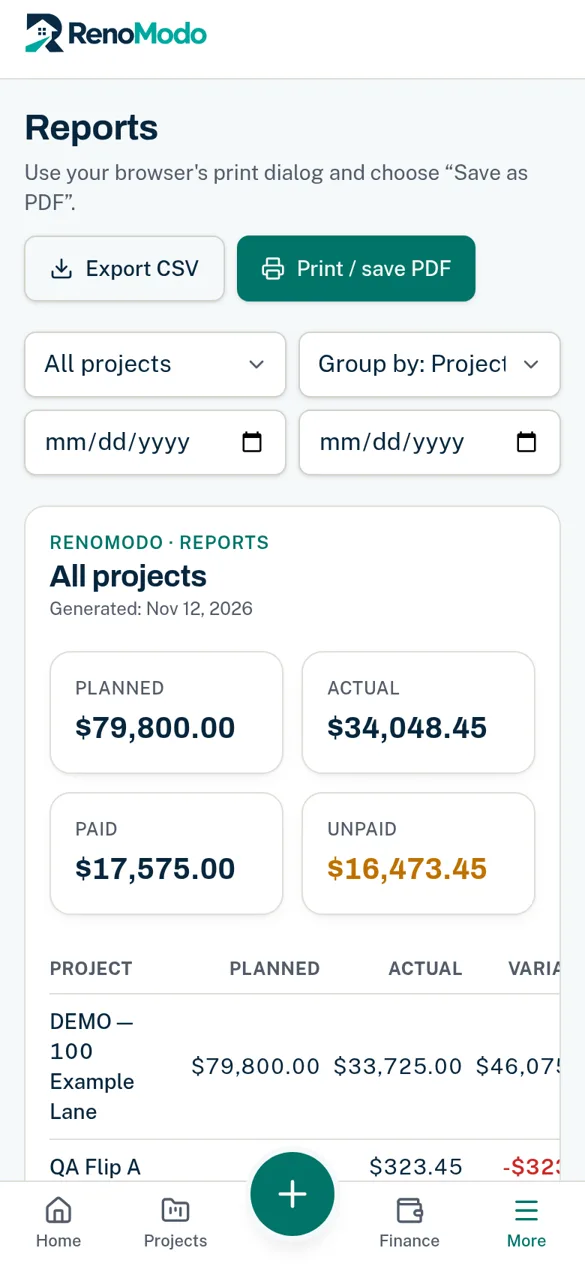
Real app screenshots from a demo account with synthetic data — not customer data.
From first estimate
to final walk-through.
- 01
Create a project — flip or client job.
- 02
Set your budget by trade and phase.
- 03
Snap receipts and photos from the site.
- 04
Watch actual vs budget and profit update.
A spreadsheet
isn't enough.
Without RenoModo
- Receipts lost in trucks and inboxes
- Overruns found after the money is gone
- Paid vs. owed is a guess
- Photos scattered across phones
With RenoModo
- Every receipt split by trade, counted once
- Over-budget lines flagged as you spend
- Dated payments and upcoming bills
- Photos tagged by room and stage
Questions renovators ask
before they start.
Is my data private?
Each account has its own workspace. Access rules on the server keep other accounts from reading your projects, numbers or files, and files open only through short-lived links.
Does it work on my phone?
Yes. RenoModo is designed for phones first and can be installed to your home screen on iPhone and Android.
Does it work offline?
No. The app shell may load faster after install, but your data is not stored offline and changes need a connection.
Which currency?
Amounts are always in US dollars. Language can be English, Portuguese (Brazil) or Spanish.
Is this accounting or tax software?
No. It is a job-costing and project finance tool. It does not provide tax or accounting advice.
How much does it cost?
Pricing has not been announced. See the Pricing page.